Real before-and-after preview
Preview the processed image, its encoded byte count, dimensions and percentage change when the original file size is known.
Optimize photos with a live comparison, resize without stretching, convert between JPG, WebP and PNG, and save individually or in batches — right on your Android device.
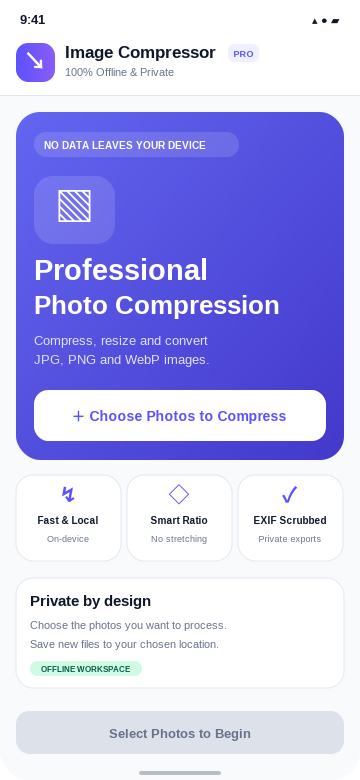
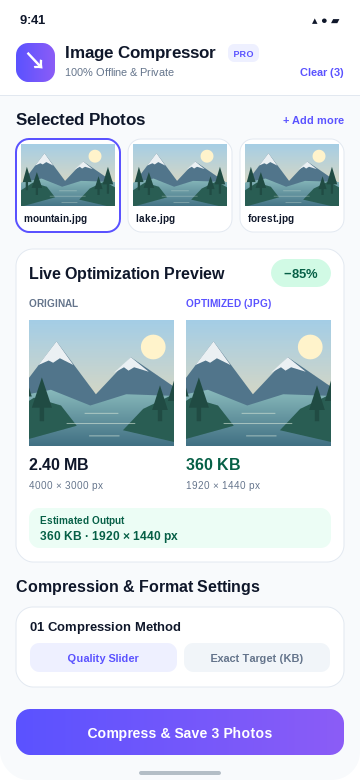
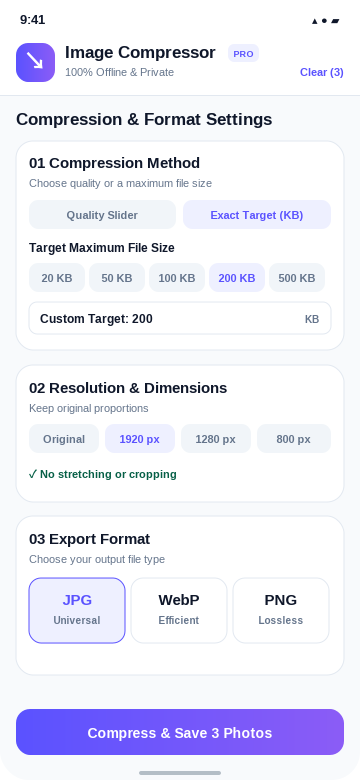
Illustrative recreations of the app's current Compose interface, using synthetic landscape artwork and example results, not captured device screenshots or measured benchmarks.
Select one or more images using Android's system picker.
Compare processed image appearance, actual encoded size and output dimensions. Example metrics are illustrative.
Choose quality or a target KB size, set a resize preset or custom bounds, then export.
For everyday photo sharing, storage and size-limited uploads. Features reflect the reviewed Android source.
Preview the processed image, its encoded byte count, dimensions and percentage change when the original file size is known.
Adjust JPEG and lossy WebP quality from 20 to 100, with convenient Small, Medium, High and Max choices.
Choose 20, 50, 100, 200, 500 KB or 1 MB, or enter a custom target. The engine searches quality and reduces dimensions as needed; not every target is achievable.
Keep original dimensions, set a 1920, 1280 or 800 px longest edge, or specify custom width and height bounds. Aspect ratio is preserved and the app avoids intentional upscaling.
Convert to widely compatible JPG, lossy WebP or lossless PNG. PNG preserves transparency; JPG uses a white background for transparent regions.
Select multiple images and export to a chosen folder with collision-safe names. Single images use Android's Save As picker.
Handles common EXIF rotations and re-encodes output without copying original EXIF location metadata. Very large images may be downscaled for memory safety.
No app account, Internet permission, analytics SDK, ads or blanket storage permission in the reviewed source. Processing happens on-device.
Choose images with Android's system picker, process them locally and save to a location you control. The reviewed app requests no network or blanket storage permission.
No. Target size is best effort: the processor searches quality and downscales when necessary. If the target cannot be reached, it returns the smallest result it found and reports the limitation.
PNG is lossless, so the quality slider and target-size mode do not apply. Resizing remains available; switch to JPG or WebP for lossy target-size compression.
No intentional stretching or cropping. The app fits images within the chosen dimensions while preserving proportions.
Yes. Select multiple photos and choose a destination folder. Batch export uses distinct names to avoid existing filename collisions.
The reviewed Android app has no Internet permission. Photos are processed on the device using Android document-picker access. If you select a cloud-backed file provider, that provider may independently transfer files.
A public store listing has not yet been verified. This is a source-based development preview.

This page reflects the current source. Device acceptance and Google Play availability remain unverified.