Face-guided crop
Bundled on-device face detection provides a starting crop and biometric overlays. Manually refine zoom, horizontal/vertical position, straighten and rotation.
Photo Maker: Passport & Visa ID helps you create print-ready passport, visa and ID photos on Android. Start with a picture or camera capture, fine-tune the crop, choose a background and produce sized image files or paper sheets — offline.
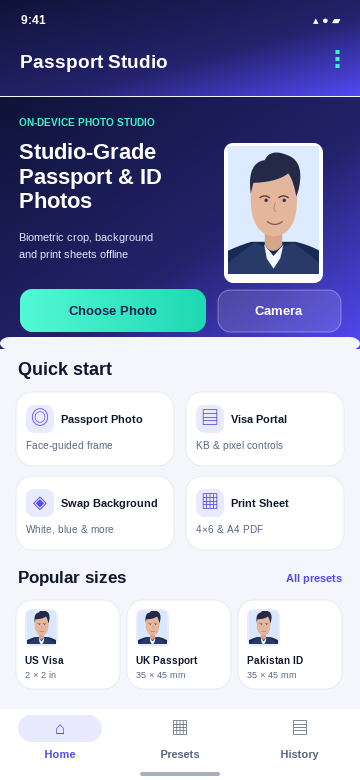
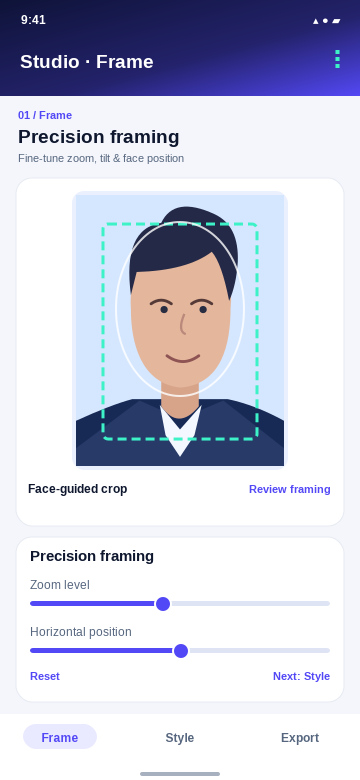
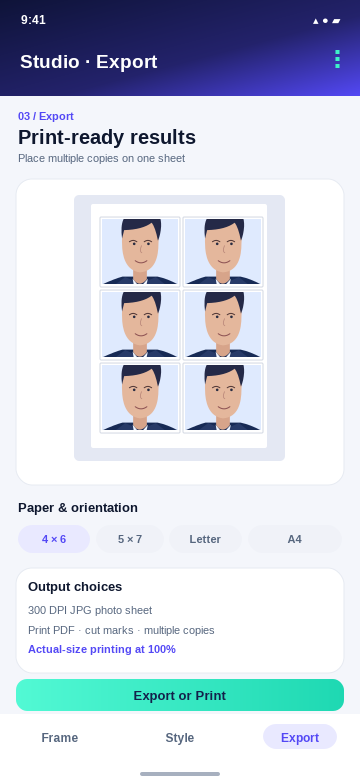
Illustrations are based on current Kotlin Compose UI and use a fictional vector portrait. They are not device captures or proof of official photo acceptance.
Import a portrait, capture a photo or jump into quick passport, visa and print tools.
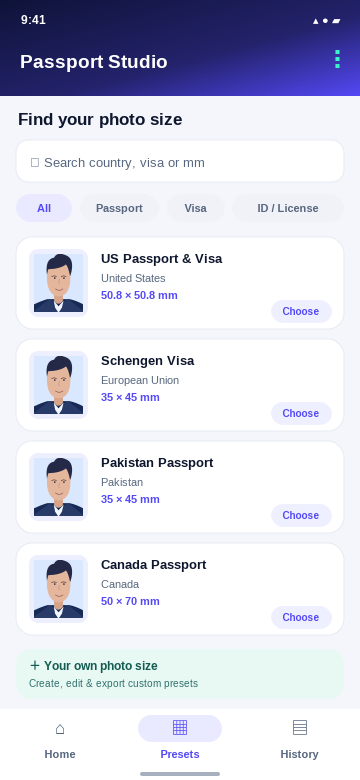
Browse country, passport, visa and ID formats, or create a custom size.
Face-guided crop, guide overlays, zoom, positioning and tilt adjustments.
Prepare physical-size PDF sheets or 300 DPI image sheets with optional cutting marks.
Dimensions and compliance guidance are advisory. Always check the requirements of the embassy, passport office or other issuing authority.
Bundled on-device face detection provides a starting crop and biometric overlays. Manually refine zoom, horizontal/vertical position, straighten and rotation.
Passport, visa, ID and standard examples for countries including the US, UK, Pakistan, Canada, India, Schengen destinations and more. Requirements must be independently verified.
Create, edit, duplicate and search custom photo presets with millimeter dimensions and optional upload-size guidance. Import and export custom presets as JSON.
On-device ML Kit selfie segmentation supports white, off-white, gray, sky blue, blue, red, custom color and transparent backgrounds. Results vary by photo.
Adjust brightness, contrast, warmth and saturation, and refine hair edges with cutout tightness and feather controls.
Save JPEG, PNG or WebP at target dimensions for 300 or 600 DPI output. Configure quality or best-effort file-size limits for supported formats.
Lay out copies on 4×6, 5×7, Letter or A4 paper. Save multipage PDFs, generate 300 DPI kiosk JPG sheets or use Android printing.
Keep on-device export history and user presets with SQLite. Choose photos with Android pickers or the camera app; no Internet permission or app account required.
Face-guided crop and background segmentation are local to your Android device. The app needs no account or Internet permission. Settings, custom presets and export-history details are kept on-device.
No. The included country and document sizes are advisory examples, not an official government standard or a guarantee of acceptance. Check the latest requirements with the issuing authority.
No. On-device segmentation can struggle with hair, shadows, edges and complex backgrounds. Review the output carefully or switch to the original background.
You can launch a camera app through an Android capture intent or import an existing image. The app does not require broad camera or photo-library permissions.
Yes, the app includes dimension, image format and best-effort file-size controls. Always verify the destination portal's actual requirements before submitting.
Yes. The app provides physical-size PDF and JPG sheets for 4×6, 5×7, Letter and A4, with adjustable copies, orientation and optional cutting marks. Print at 100% actual size.
The reviewed Android manifest has no Internet permission; face detection, segmentation and rendering run locally. Using an external camera, printer, file or cloud provider is subject to that provider's behavior.
A matching public listing has not been verified yet. The page is a source-based preview; build and device acceptance must still be confirmed.

This page reflects the reviewed source. Device acceptance, final Google Play availability and government photo requirements have not been independently verified.